
WooCommerce after an order: guest access and withdrawal
Choose limited guest-order access or a WooCommerce withdrawal-request workflow. Compare features, requirements and individual prices per covered site.
Explore by need
These guides compare existing individual offers; each extension is purchased and installed separately.
Choose limited guest-order access or a WooCommerce withdrawal-request workflow. Compare features, requirements and individual prices per covered site.
Plan WordPress redirects or connect images to imgproxy. Compare two separate tools, their requirements, limits and individual coverage prices.
Choose for the WordPress job: domain contexts, a scheduled message, consent-gated tags or an event delivery outbox. Compare individual plans.
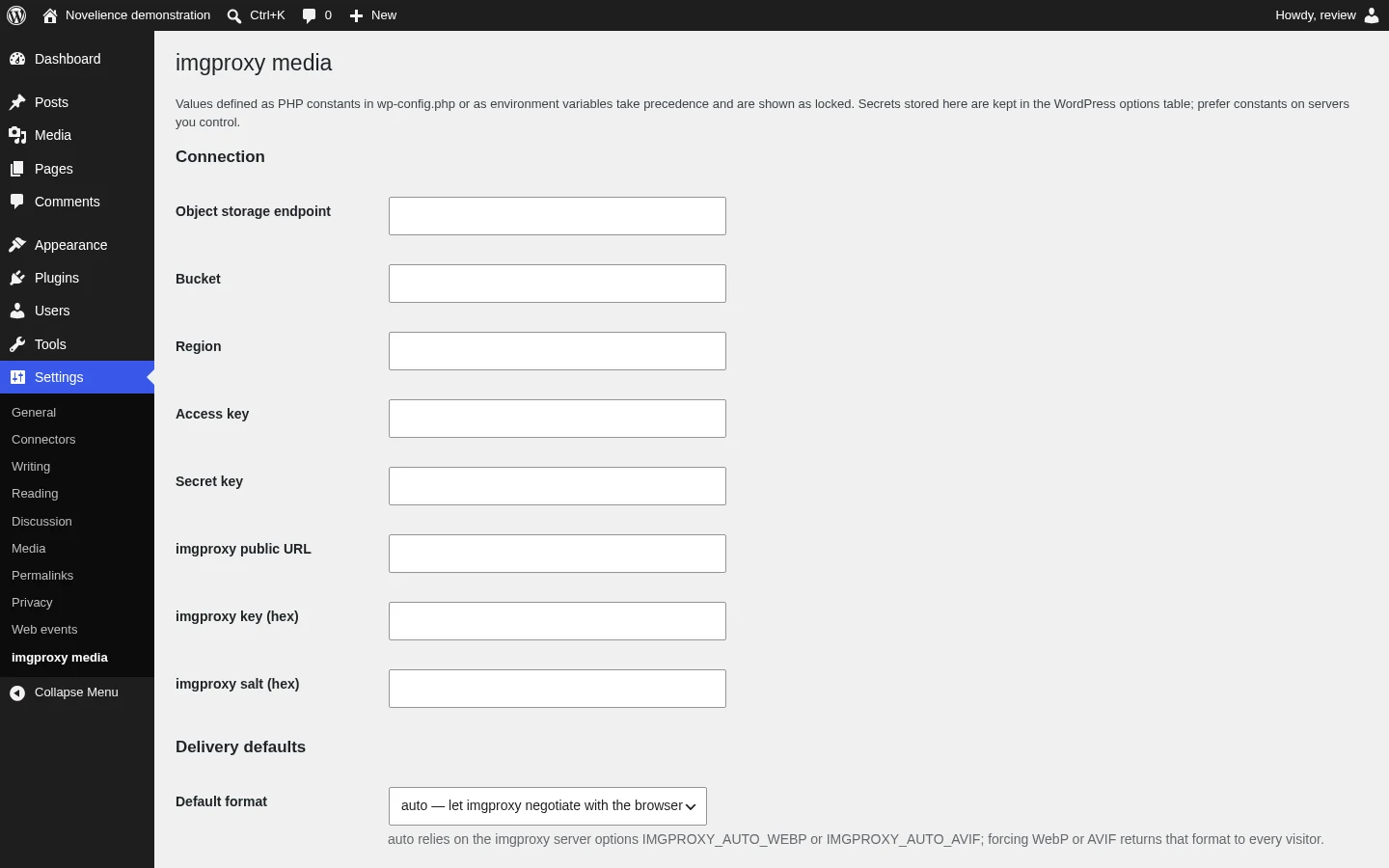
Mirror WordPress image originals and variants to S3-compatible storage and serve signed imgproxy transformations while retaining local files.
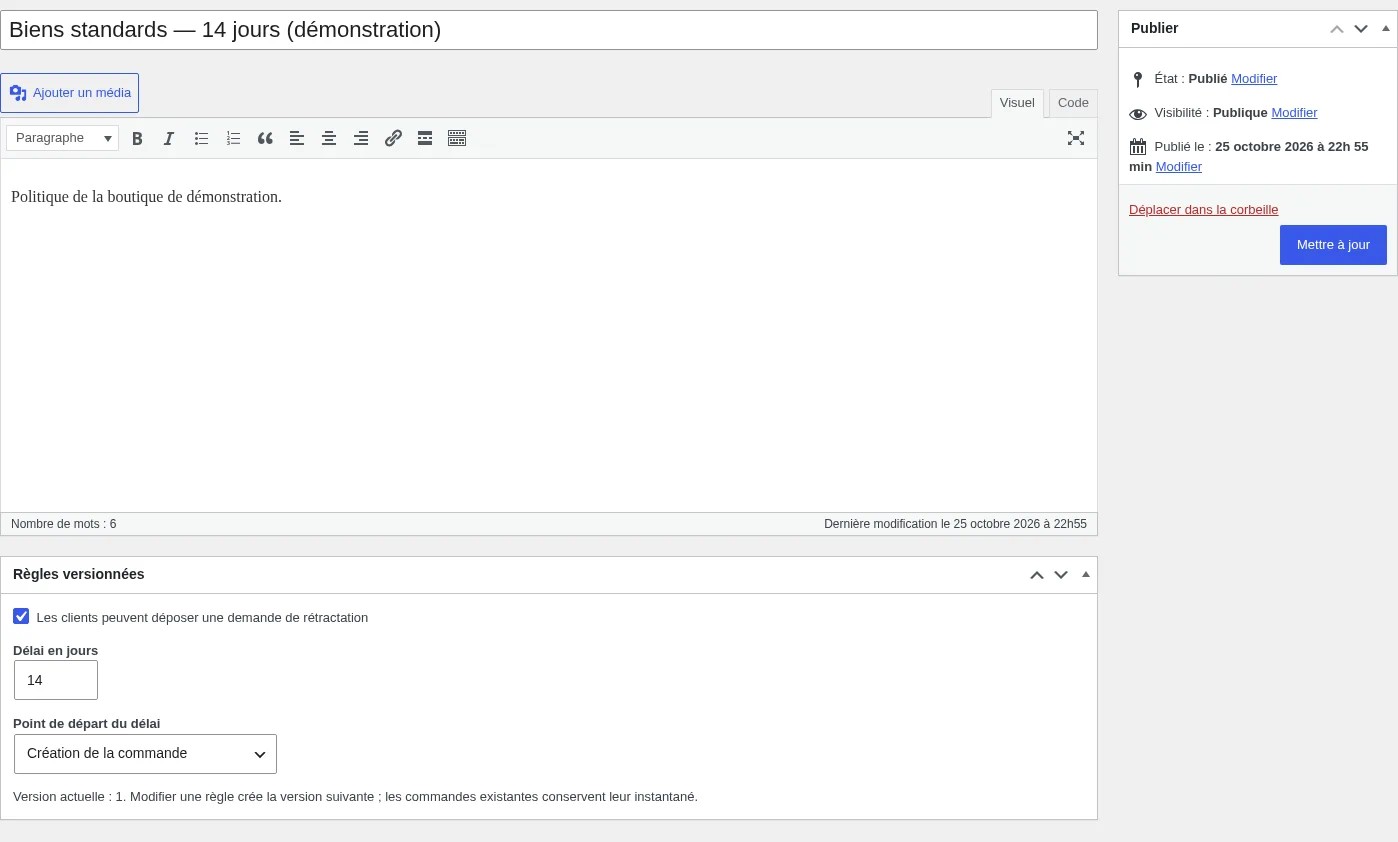
Install one ZIP to manage versioned withdrawal policies, partial requests, decisions and an audit trail without automatic refunds.
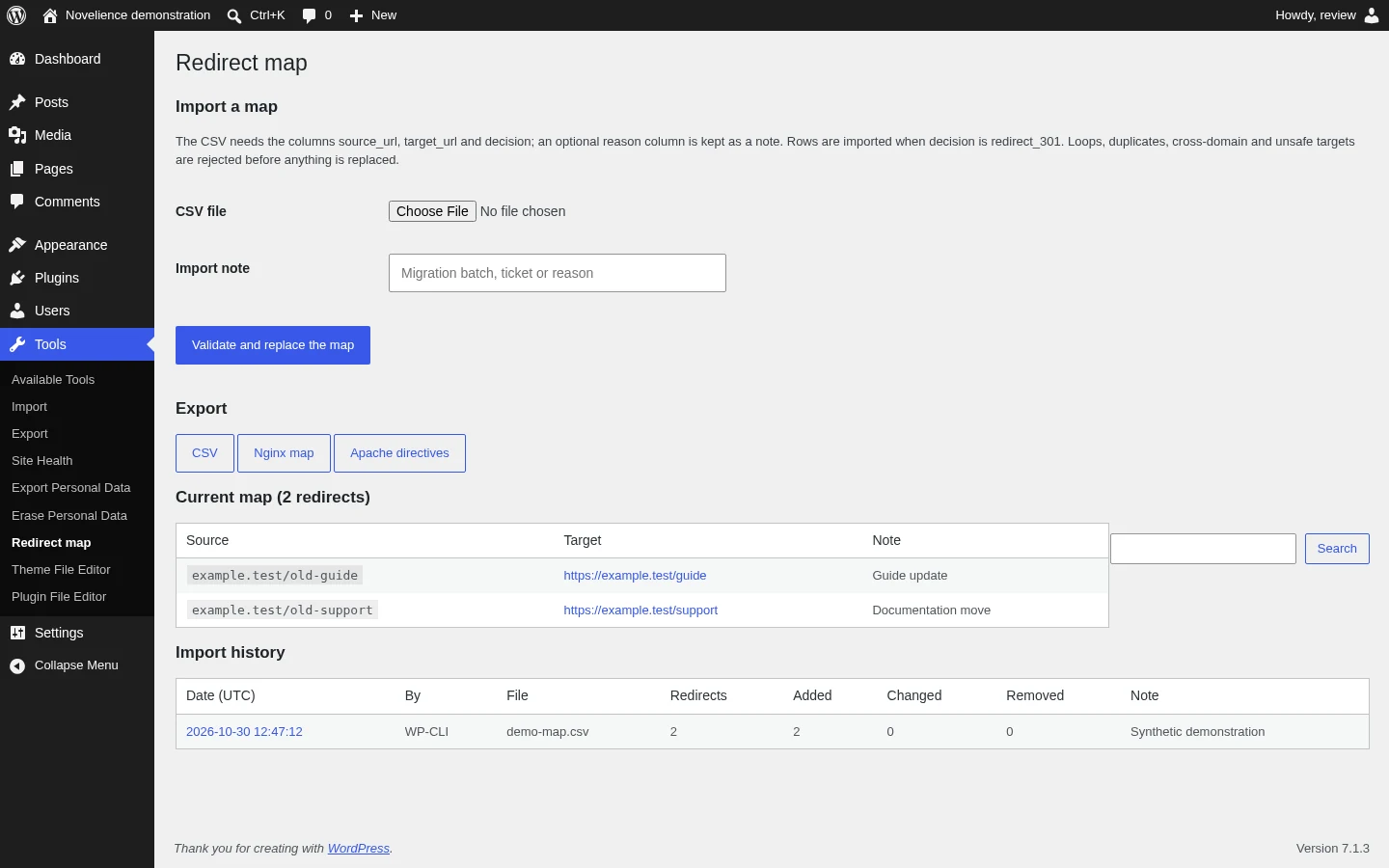
Validate a complete redirect plan, replace it atomically, keep its import history and export CSV, Nginx or Apache formats.
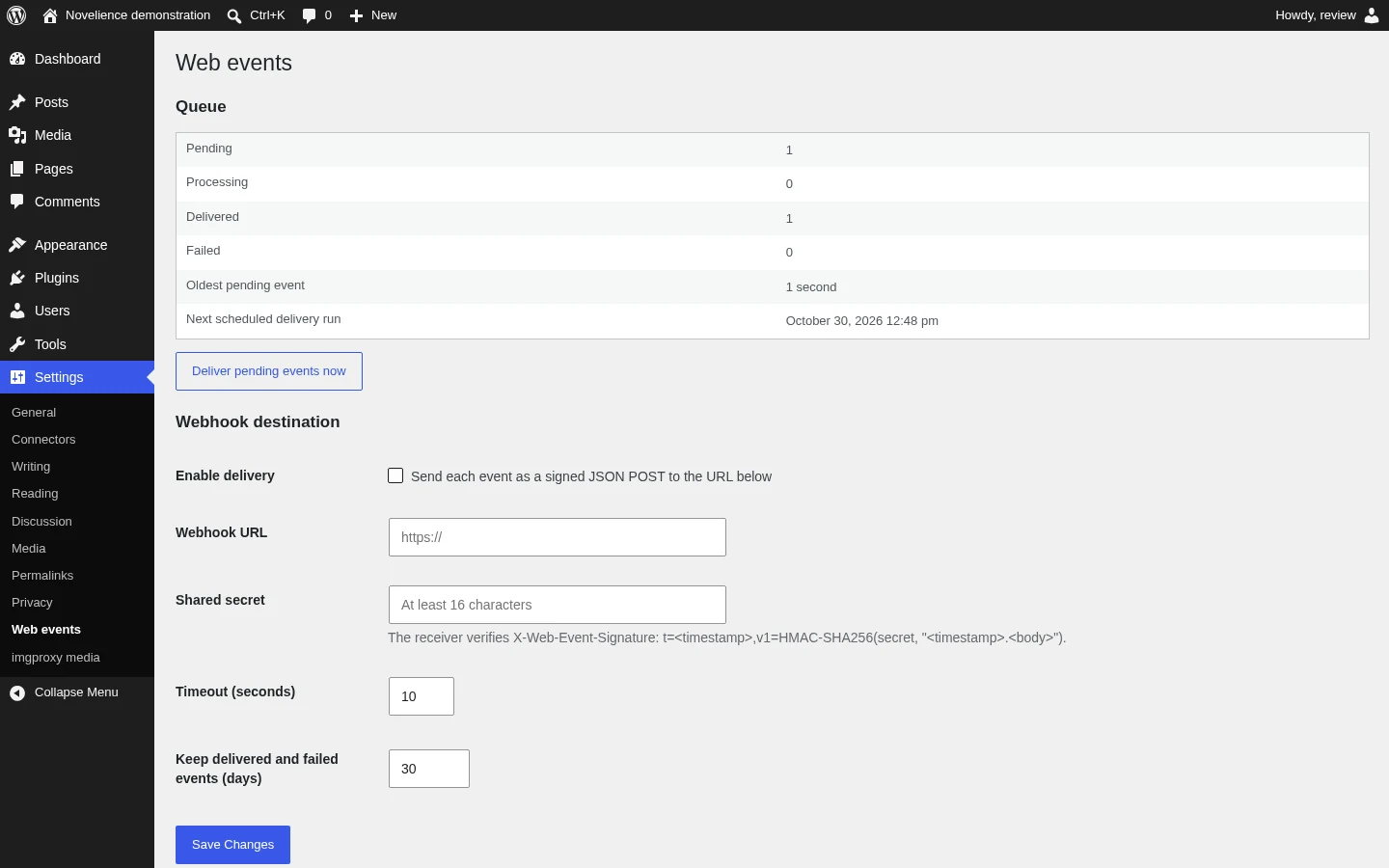
Store an event and its idempotency identity locally, then retry signed delivery to a webhook or custom sinks with visible failure states.
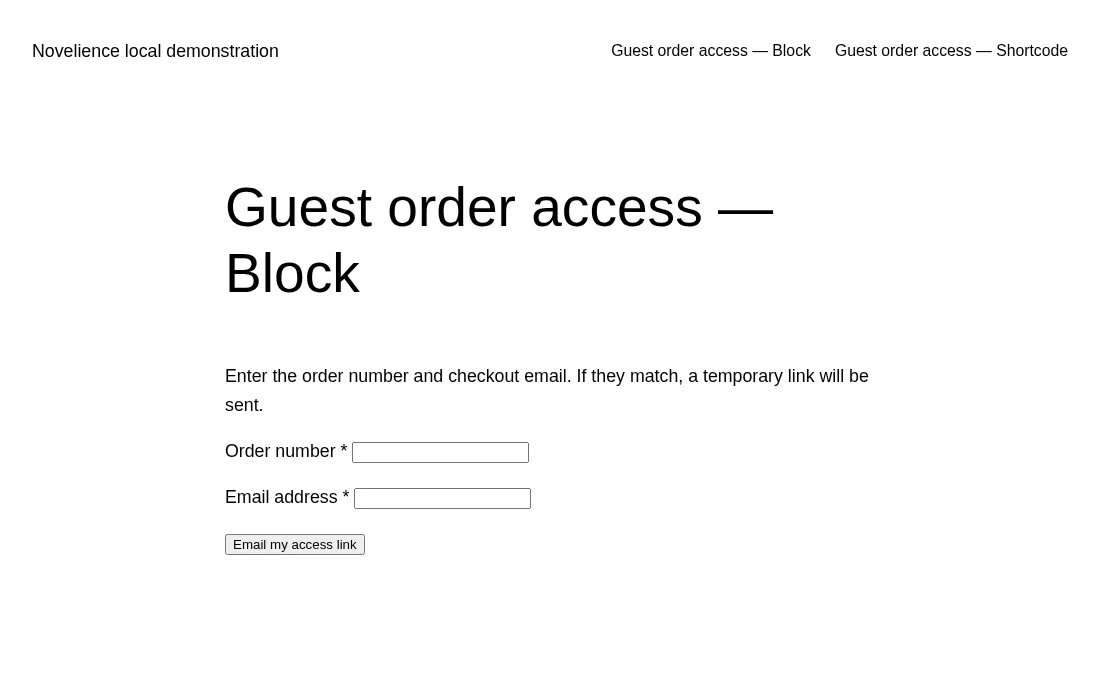
Send a single-use email link that opens a short, limited summary of one WooCommerce guest order without an account.
Load one configured Google measurement integration per domain context only after statistics consent, with bounded WooCommerce events.
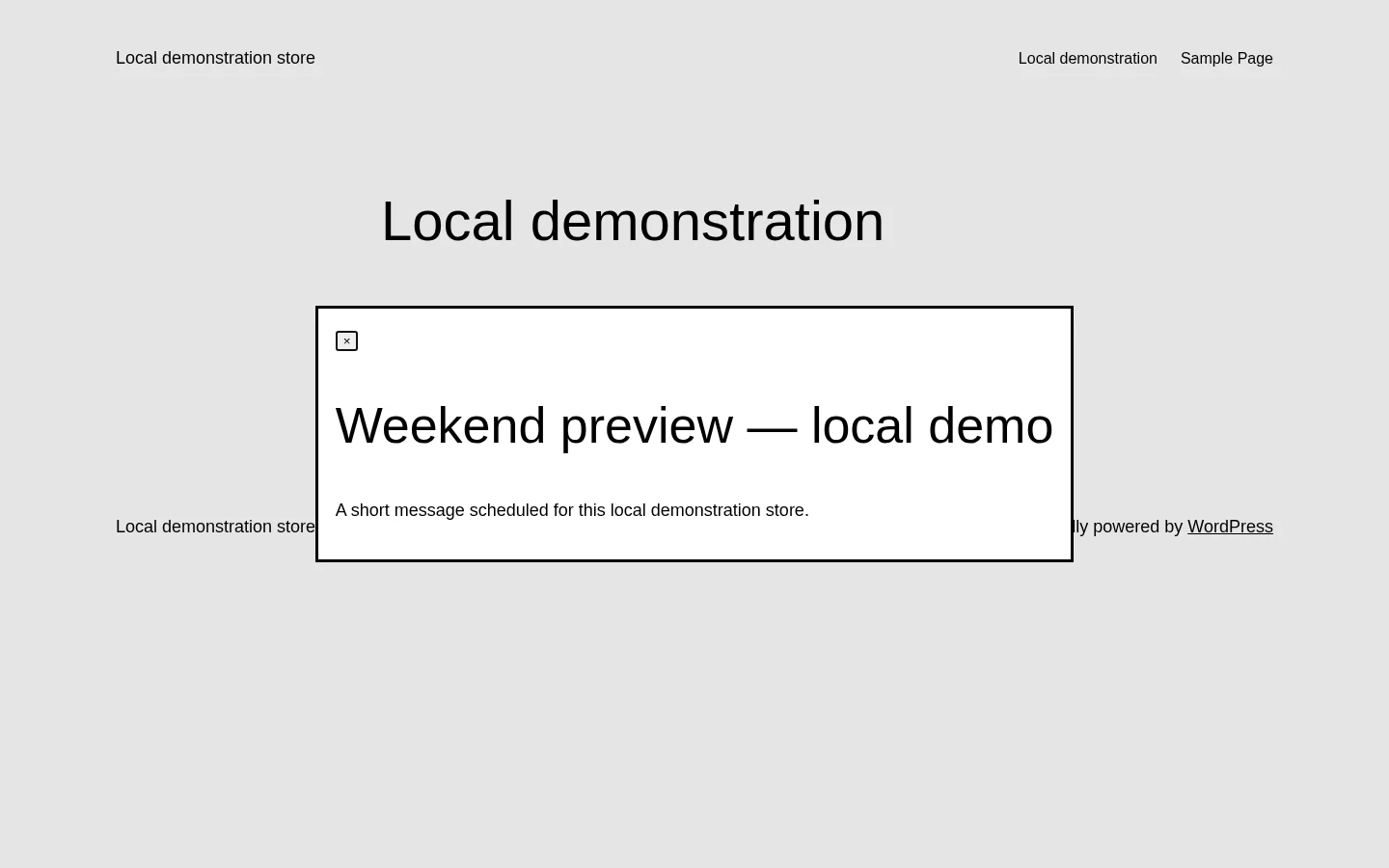
Schedule accessible campaign dialogs with context targeting, frequency limits and transactional-page exclusions.
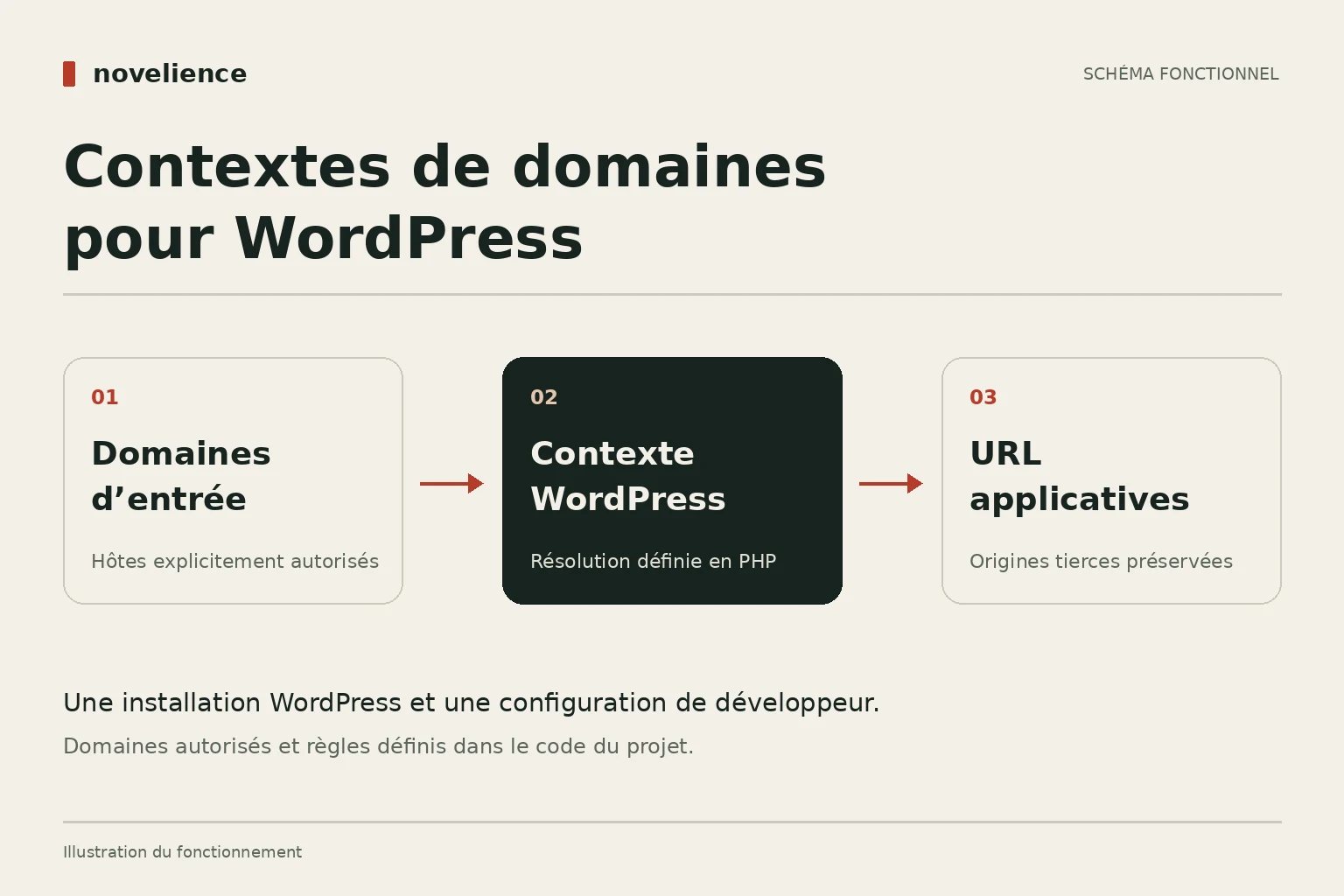
Resolve a developer-defined context for one WordPress installation served through multiple allowed domains.
No extension matches this search. Try another term.
The delivery channel is stated before you choose a product.
Every extension has a guide with prerequisites, installation steps and limits.
Code rights, updates and support coverage are explained separately.